
Download 4DDiG File Repair – photo repair, video repair, AI enhancement, corrupted file repair, batch repair, image restoration, video restoration, file recovery, mobile repair tool
Overview
4DDiG File Repair is a mobile application designed to address the common challenge of corrupted or degraded digital media, particularly photos and videos. The app serves as a dedicated tool for users who rely on high-quality visual content and need reliable restoration capabilities directly from their smartphones. It targets individuals who have experienced data loss due to device malfunctions, accidental deletions, or storage corruption. Whether it's a cherished family photo rendered blurry or a critical video recording marred by distortion, 4DDiG File Repair aims to recover and enhance these files to their original clarity and vibrancy. The developer, 4DDiG, is known for offering digital recovery and repair solutions, particularly in the realm of file restoration. While specific details about the company’s broader background were not provided, the app’s focus on media integrity aligns with the growing demand for accessible, on-device repair tools. Real-world use cases include amateur photographers, content creators, travelers, and everyday users who value preserving personal memories. In the broader app ecosystem, 4DDiG File Repair fills a niche by offering mobile-first repair functionality, reducing dependency on desktop software and enabling immediate access to media recovery on the go.Key Features & Functionality
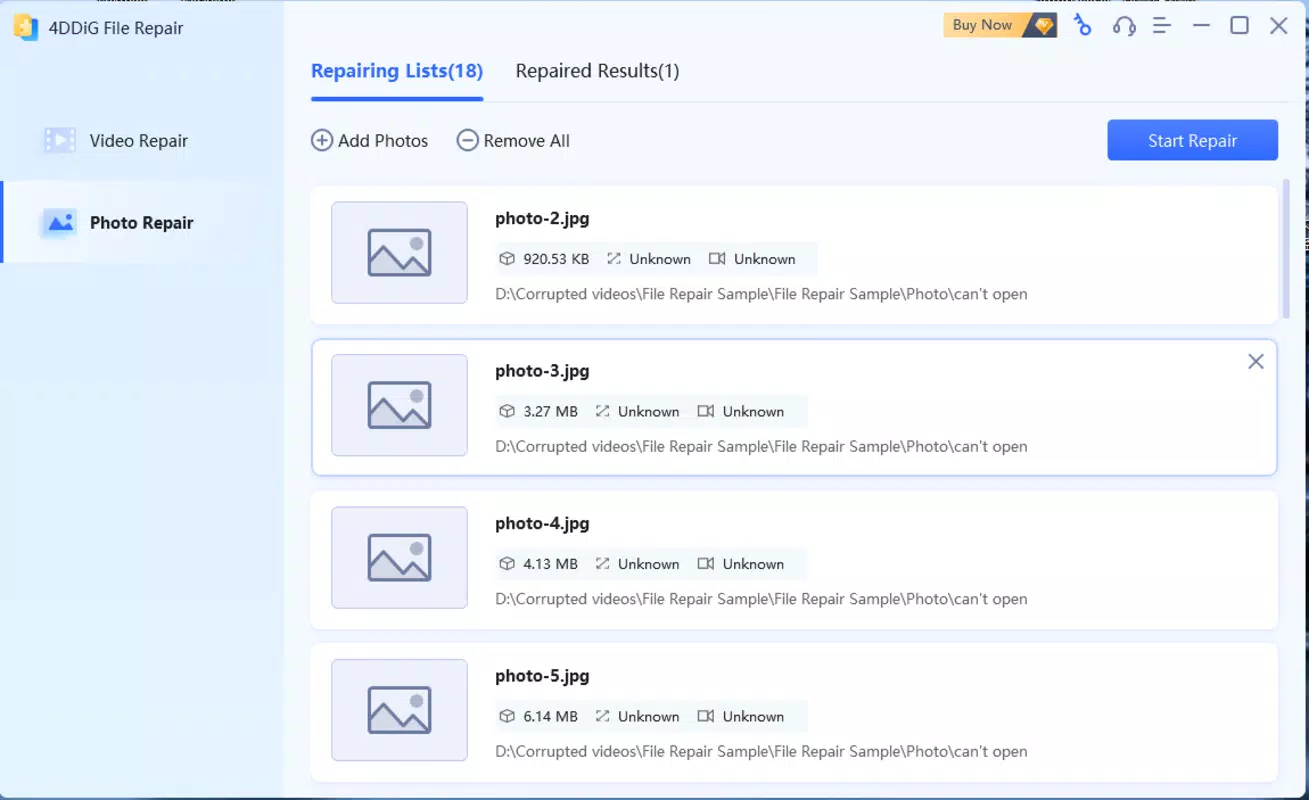
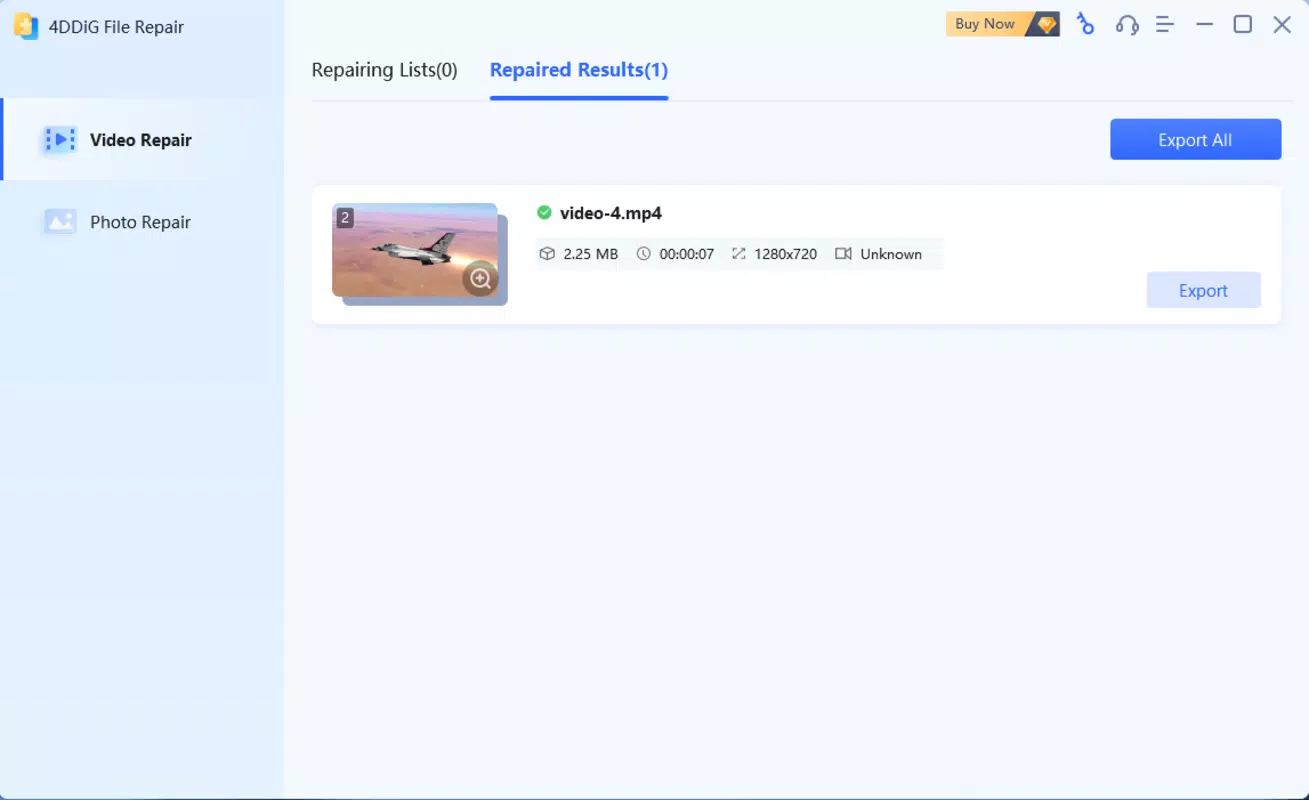
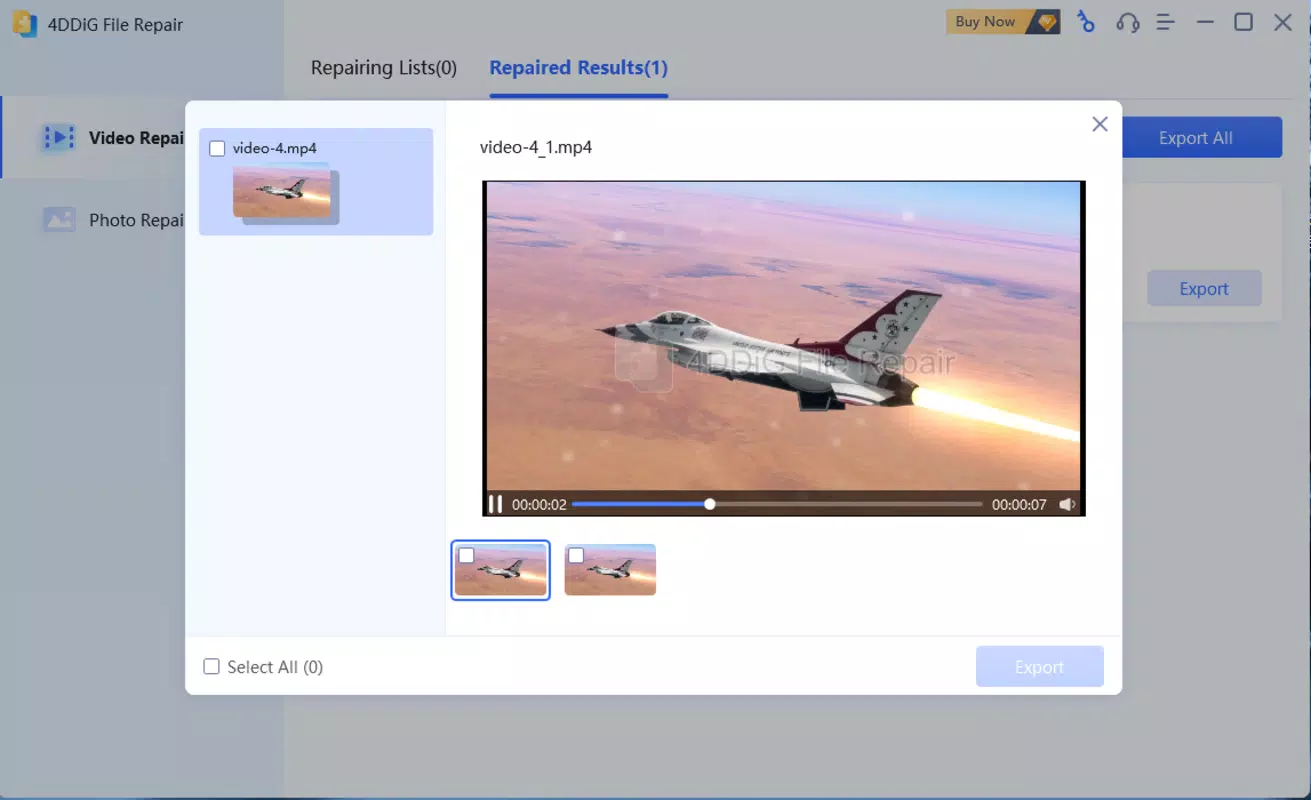
4DDiG File Repair delivers a suite of specialized tools aimed at restoring damaged visual content with minimal user effort. The app supports the repair of corrupted images across multiple formats, including JPG, JPEG, ARW, CR2, ERF, NEF, PEF, ORF, RAW, SRW, CRW, and RAF—commonly used by professional and enthusiast photographers. Its batch repair capability allows users to process up to 3000 images simultaneously, streamlining workflows for those managing large collections. Each repaired image is restored to its original sharpness and color fidelity, making it ideal for recovering important personal or professional visual data. For video files, the app handles popular formats such as MP4, MOV, MKV, M4V, 3G2, and 3GP. It can address issues like choppiness, graininess, distortion, and fuzzy playback, which often occur due to incomplete transfers, storage errors, or camera malfunctions. The software supports repair across various storage media, including SD cards, USB drives, and internal device storage. It is compatible with video content from major camera brands like Canon, GoPro, and DJI, ensuring broad applicability. Additionally, the AI enhancement feature enables lossless enlargement of low-resolution media, colorization of black-and-white footage, and sharpening of blurry visuals—offering a comprehensive upgrade beyond simple restoration.Real-World Use Cases
- Restoring a wedding photo that became pixelated after a failed transfer.
- Recovering a GoPro action video with audio-video sync issues due to a dropped SD card.
- Enhancing a childhood photo that has faded over time using AI colorization.
- Batch-processing a collection of corrupted vacation videos for family sharing.
Interface, UX & Performance
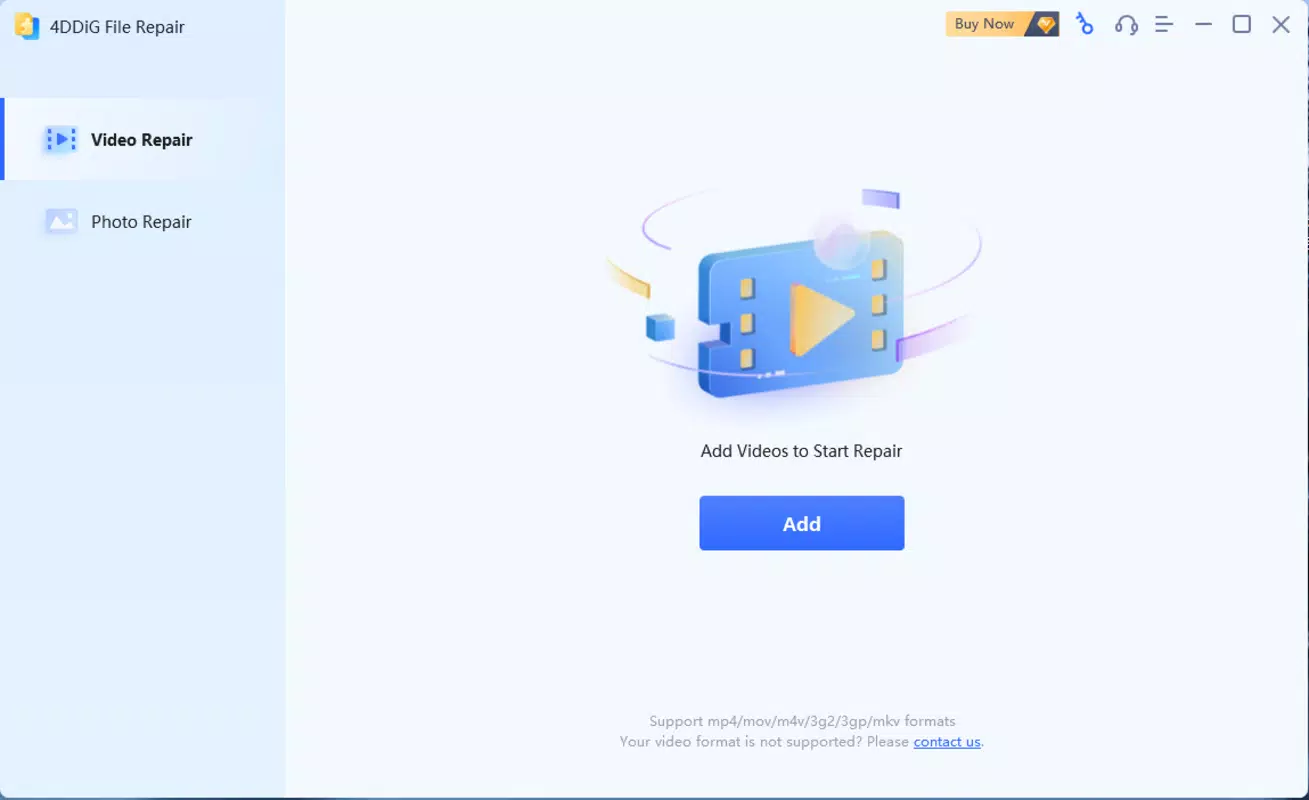
The app features a clean, intuitive interface designed to guide users through the repair process with minimal technical knowledge. Navigation is straightforward, with clearly labeled options for selecting files, initiating repairs, and reviewing results. The visual layout emphasizes functionality and accessibility, making it suitable for both novice and experienced users. File selection is handled through standard device file browsers, allowing users to locate and choose media directly from their storage. Although the developer did not list formal performance metrics, the app is optimized for efficient operation on mobile devices. It demonstrates responsive behavior during file processing, with visible progress indicators and smooth transitions between stages. Stability appears consistent across various device categories, though specific compatibility details were not disclosed. The app maintains a lightweight footprint, with a file size of 16.9 MB, suggesting efficient resource usage. While real-world performance may vary depending on device hardware and file complexity, the design prioritizes speed and reliability in everyday use.Platform Compatibility & Technical Requirements
4DDiG File Repair is available on the Android platform and requires Android as the operating system. The current version is 1.0.1, with a file size of 16.9 MB. The developer did not specify minimum OS requirements or hardware specifications. Compatibility with specific Android versions or device models was not fully disclosed. Users are advised to ensure their device meets standard Android functionality requirements for running third-party applications. The app is free to download and install, making it accessible to a wide audience seeking a mobile solution for media repair.Pros and Cons
- Offers batch repair for up to 3000 images, ideal for large-scale restoration.
- Supports a wide range of image and video formats from popular camera brands.
- Includes AI enhancement for colorization, sharpening, and lossless enlargement.
- Intuitive mobile interface designed for ease of use on smartphones.
- Free to download and install, with no upfront cost.
- Specific system requirements were not listed by the developer.
- Performance on low-end devices may vary without additional information.
- Compatibility with iOS or other platforms was not confirmed.
- Advanced features may require processing time for large files.
- No public information on update frequency or long-term support.
FAQ
Is 4DDiG File Repair safe to use on personal photos and videos?
The app operates locally on the device and does not require uploading files to external servers, which enhances data privacy. Users can restore and repair files without compromising sensitive content.
Can I repair videos from GoPro and DJI cameras?
Yes, the app supports video repair for files from major brands including GoPro and DJI, making it suitable for action and drone footage.
Does the app support batch processing for both images and videos?
Yes, 4DDiG File Repair allows batch repair of images and videos in various formats, enabling efficient processing of multiple files at once.
Is there a limit to the file size or number of files I can repair?
The app supports up to 3000 images in a single batch. Specific limits for video file size were not disclosed.
How often is the app updated?
The developer did not provide information on update frequency. Users are encouraged to check for updates regularly through the app store.


